
Posts Tagged ‘friends’

April 25, 2020

Event Spotlight: Covid-19 Påske Special

While Munzee can certainly be a solo game if you choose, there’s no denying the appeal in meeting others who share your interests. Munzee Events are perhaps the best example of this, as they allow you to meet both old and new players in a safe, friendly environment. On top of that, there are usually activities, games, and — if you’re lucky — goodie bags! That being said, planning events requires a considerable amount of effort. So, to make it easier for prospective hosts (and maybe even recurring hosts), we decided to put the spotlight on past events, Munzee-Toolkit style! We hope this series of posts will inspire you to try hosting an event if you never have before, or provide you with ideas to spice up future events if you’re an old hand at it!

Today we’re featuring the Covid-19 Påske Special event, which took place on April 6, 2020 at Hobro, Denmark and was hosted by Primdahl, KalashniKitty, RosendalKFUM, XH558.
Give us a brief summary about your event!

I am a lucky Munzee Player – but we will return to that.

Louise asked if I wanted to tell about my last event “Covid-19 Easter Special” (https://www.munzee.com/m/event1585935939), because I actually managed to carry out an event despite the shutdown and quarantine.

My first thought was that no one would be bothered to hear about The Dullest Event in the World, and that I probably just would get banned since that is not the idea of events at all, but hopefully I can help inspire some of you to try something similar.

In Denmark it is forbidden to gather more than 10 people so far, and you have to keep 2 meters away from others in the public space, but since events first are automatically archived after one week, there is ample opportunity to scan munzees separately, at different times.

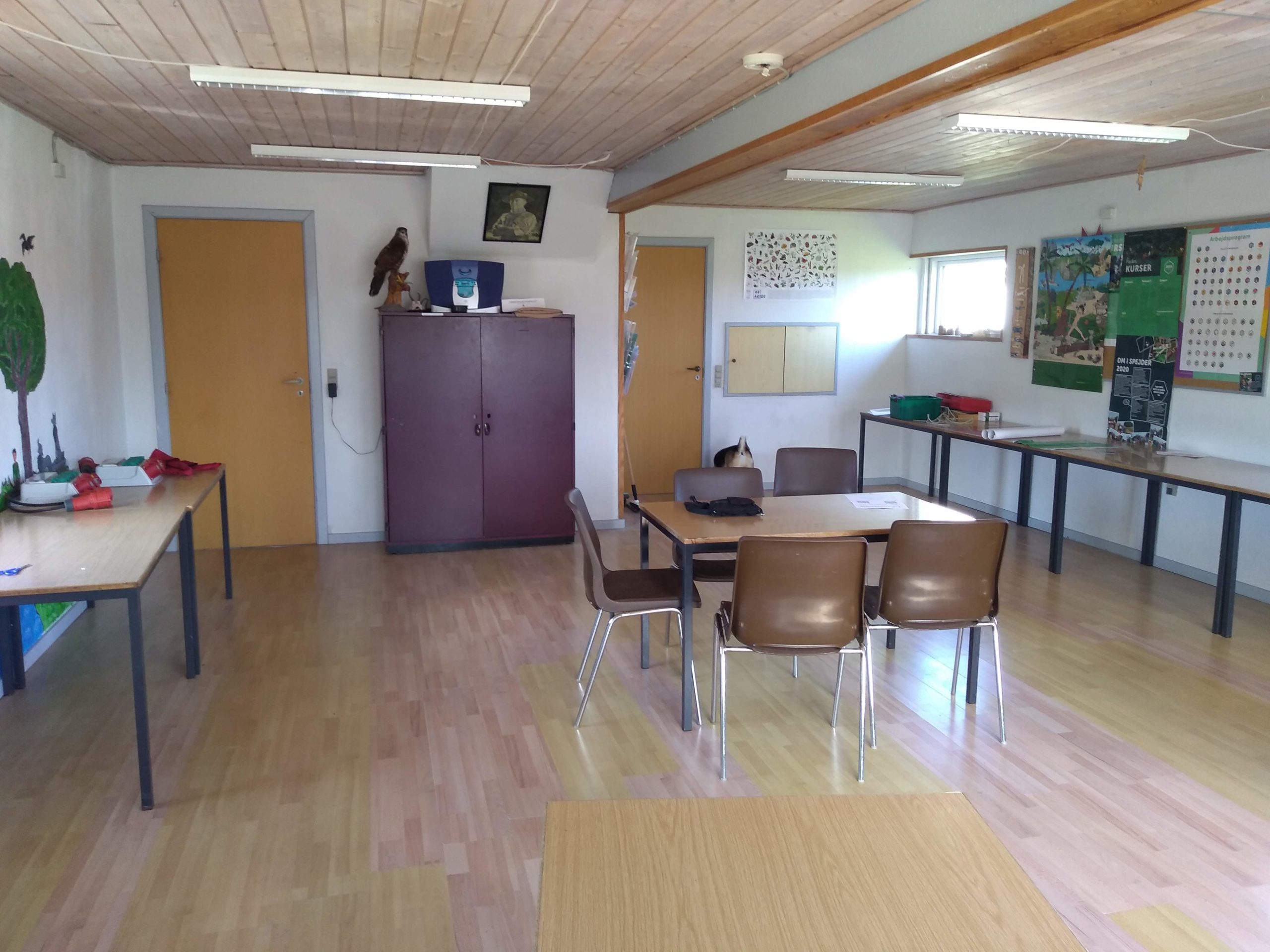
Let’s start with the practical execution. It has become very easy to create an event today and Spring/Easter Events were no exception. I chose the package without distance restrictions and with 20 virtual munzees ( they do not infect 😉 ). The virtual munzees were placed so that they could all be reached from the parking lot in case of bad weather and the QR codes for the Event Pin and Event Badge were placed in the window of the local Scout House so they could be scanned from the outside.

I usually organize an event in Hobro every month, so in the Event Description and in one of the Danish Munzee Facebook Groups I wrote that the event would be carried out, but under other conditions than we usually do. That the participants could come in pairs and scan the Event Munzees and take a walk in the area where many of you are really good at deploying Temporary Virtuals (thank you very much) and that if you should happen to meet other players at the same time, you had to follow common sense and the instructions of the authorities to limit the risk of infection.

Eskiss – Covid-19 Påske Special

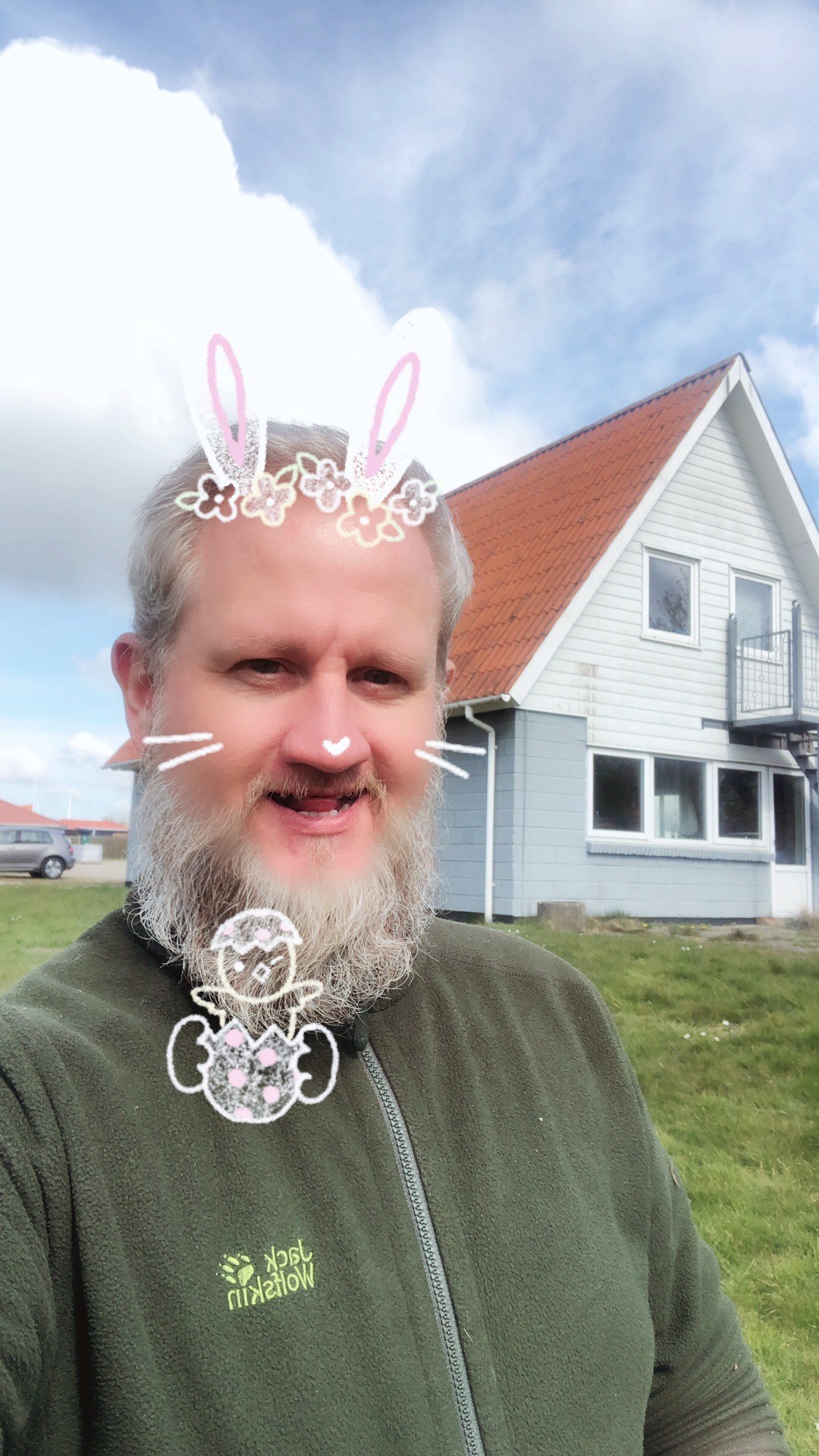
There was also the opportunity to take part in the competition for the most “springy” outfit, by taking a selfie with the Scout House in the background and emailing the picture to me.

There were more than 60 players participating in the event over Easter – and now I return to why I consider myself a lucky Munzee Player and Event Host. I am fortunate to live in an area with many active Munzee Players, some very dedicated but also many “casuals” and I am lucky because there is always great support for my events where players from many social strata and vastly different backgrounds meet in a nice community about our hobby. So, of course, the Players, my Friends, should not be cheated for an event in April — although it turned out to be The Dullest Event in the World 😉

So dear Event Hosts out there, support your local players and throw an event!

And dear Players, support your local Event Hosts and participate in their Events!

Take care of yourself and each other!

What tips do you have when hosting an awesome event?

Coffee and Cake – Spend more time socializing than Munzee’ing.

Take your time to help new players getting into the Game and having a good time.

What made your event unique?

It was carried out despite the Covid-19/Corona shutdown and quarantine.

Would you like to highlight any future events you’re hosting?

There will be an Event in the beginning of each month (or actually Clan War) in Hobro — everyone is welcome.

Don’t hesitate to ask if you need help organizing your stay.

Thank you to Primdahl for being such a great host and submitting the details for this event! We will be reaching out to other past event hosts in the future, so keep an eye on your inbox!

April 24, 2020

May 2020’s Resolution Will Help You to Rise Above it All!

Can you believe we’ve survived nearly a month or more in self-quarantine?! We hope you’ve found an exercise routine that works best for you, whether they line up with these resolutions or not! As we announced in our January Resolutions blog, we will be launching monthly Capture Streak Badges centered on a year of being active. Each month’s badge will be dedicated to practicing a different exercise. Similar to how our Super Streak badges operate, you will be awarded a badge if you capture at least one munzee* each day for the entire month. This month’s badge may be tricky to get, but we believe in you!

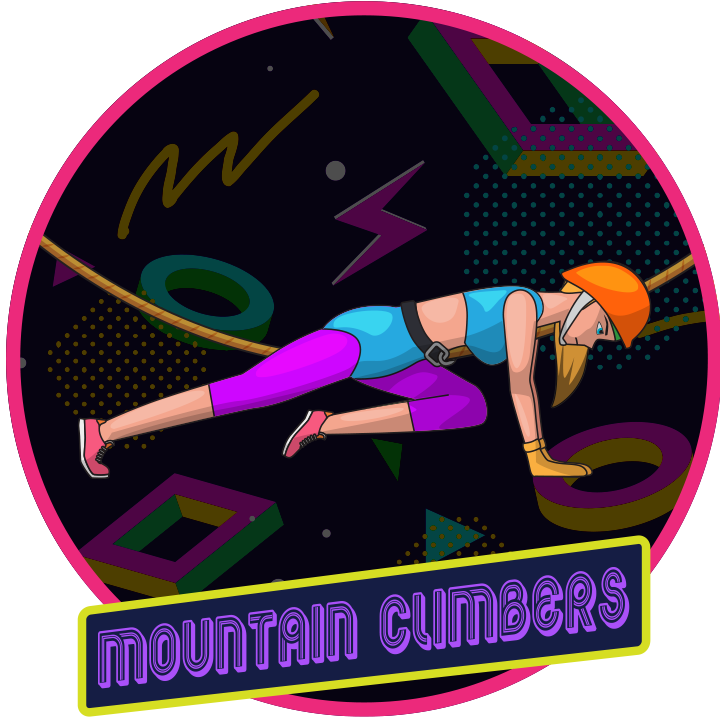
Each month’s badge will be themed around the particular resolution goal. For May we are highlighting Mountain Climber exercises as this month’s theme. This is slightly different from the activity of mountain climbing — it is a specific exercise you can use to strengthen the same muscles. You don’t even have to climb any mountains! More on that below!

How can I train for mountain climbing at home?

Mountain climbing requires strong arms so you can pull yourself up to the next ledge, or maintain your current position for as long as you need. While you can certainly target your arms by doing push-ups and planks, there is a “mountain climber” exercise you can try as well! All you need to do is start off with the plank position, then bring one knee as close as you can to your chest while keeping the rest of your body in place. Make sure not to lift your hips! You can actually refer to the badge image above as a guide. Then switch to the other side. If you do this at a fast pace, it can be an aerobic exercise as well!

While you probably won’t be able to head to the gym anytime soon, you could put your skills to the test by driving to a secluded spot and climbing some real rocks — though we wouldn’t recommend this if you are a beginner! At the very least, honing your climbing skills should come in handy for any hard-to-reach munzees!

Before you attempt any exercise, it’s always a good idea to consult your doctor**. Good luck and Munzee on!

* In order to encourage active gameplay we will not count Social Munzees for these capture streaks. If you know you’ll be in an area without munzees, plan ahead! 

** MUNZEE IS NOT RESPONSIBLE FOR ANY EXERCISE-RELATED INJURIES

April 23, 2020

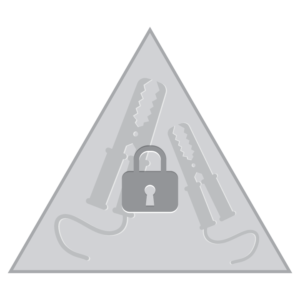
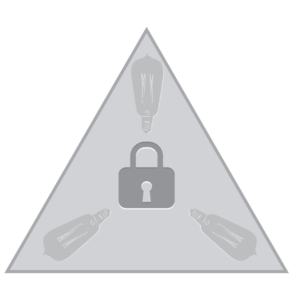
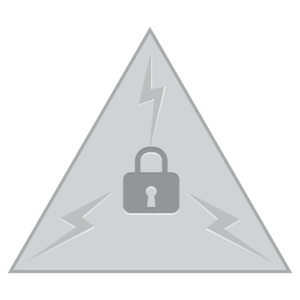
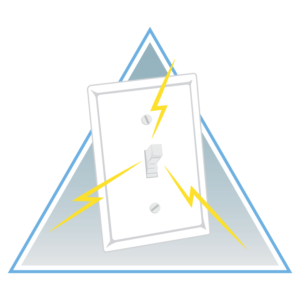
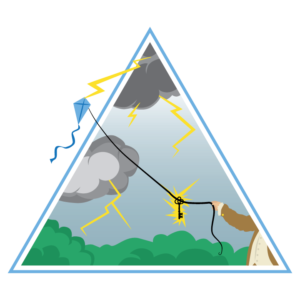
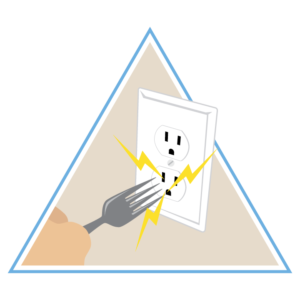
You’ll Be Ecstatic to Hear About These SHOCKING New Badges!

Last month, we announced quite a few updates to the Elemental munzee line, which included the NEW Electric Mystery munzee! It seems to be quite popular — if our social post last week was anything to go by — particularly due to the special effect of its scatters, the Charge munzees. To celebrate the success of this new type, we’ve created three new badge lines for Electric Mysteries! The lines are all retroactive and launch today at 10:00 MHQ time!


These badges are awarded for capturing and deploying Electric Mystery munzees, and also for capturing Charge munzees. There will be a total of 9 badges to collect!

As these badges are retroactive, you may have already met the requirements for some of them, and should see them on your account soon! If not, please wait a few days as our system catches up with awarding these new badges to everyone who has earned them, before contacting support.

You can check out the first badge of each line below! Please don’t try to replicate these images at home, or you’re in for a shocking surprise!

For help earning these badges, always check your local areas, because you never know when a new munzee will be deployed around you. Deploy Electric Munzees around the world, especially for the CapOn rewards! You can shop them in the Freeze Tag Online Store HERE!

We hope you enjoy these new badges!

Happy hunting, and Munzee on!

April 21, 2020

Fall Into Spring Best Dressed Gallery

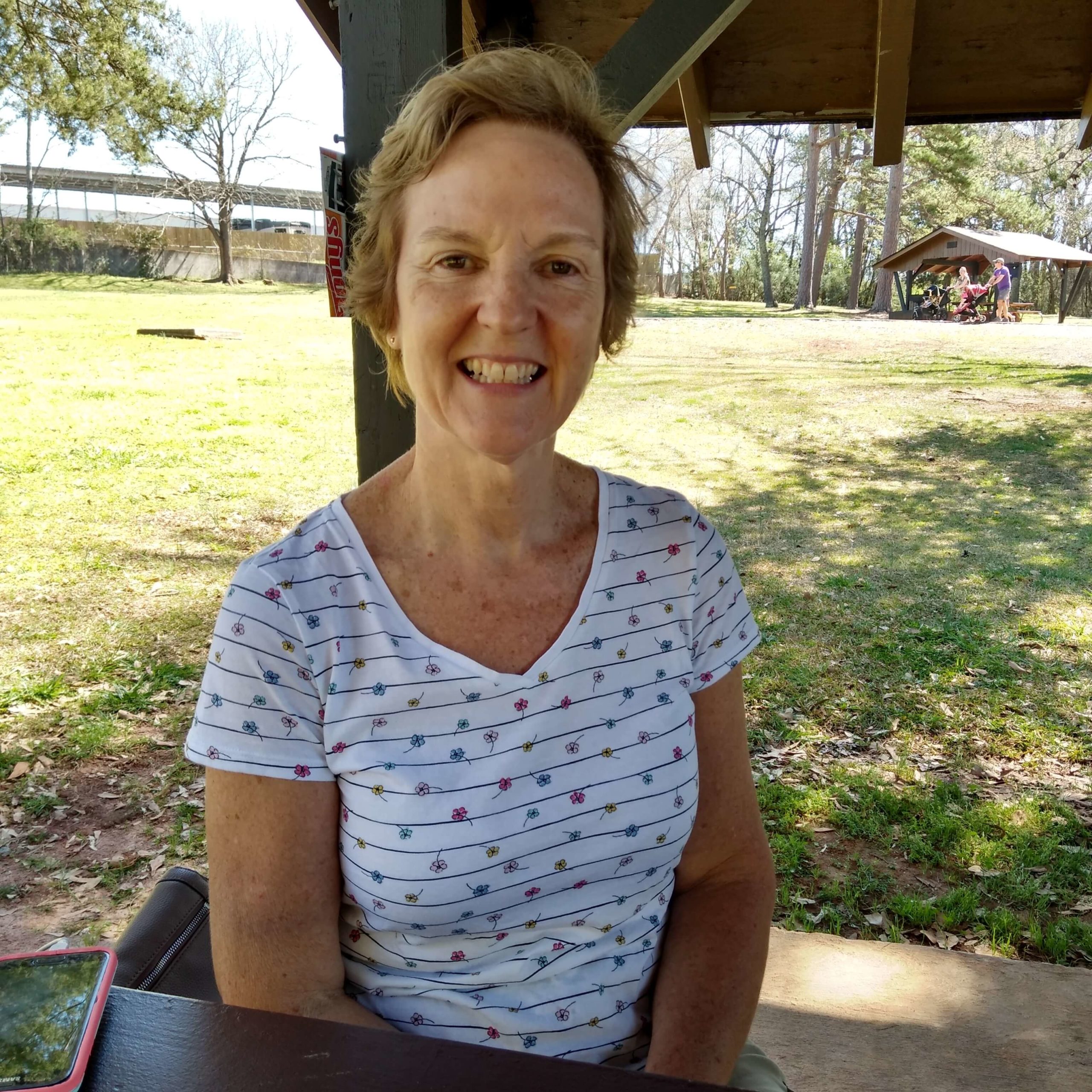
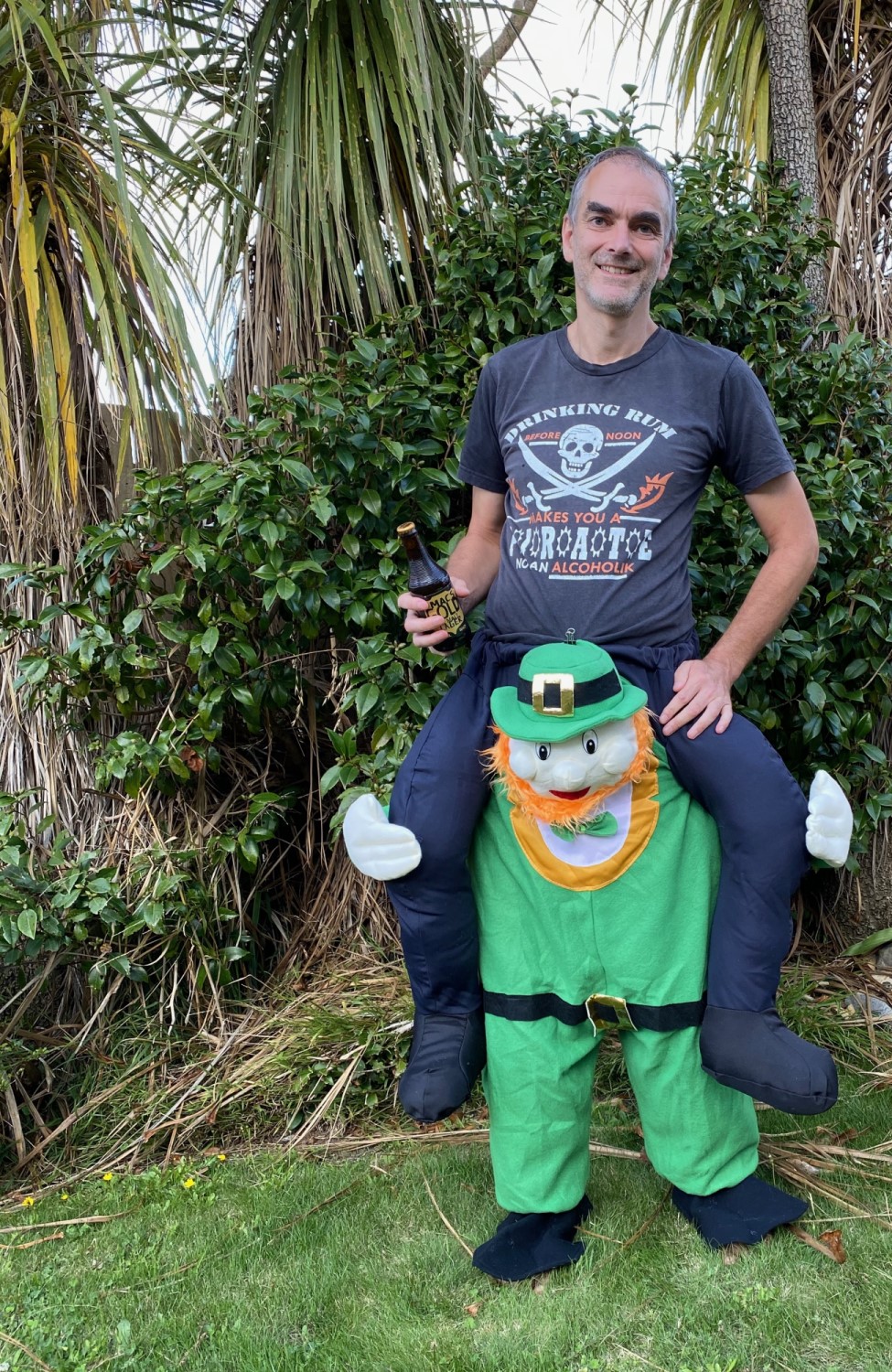
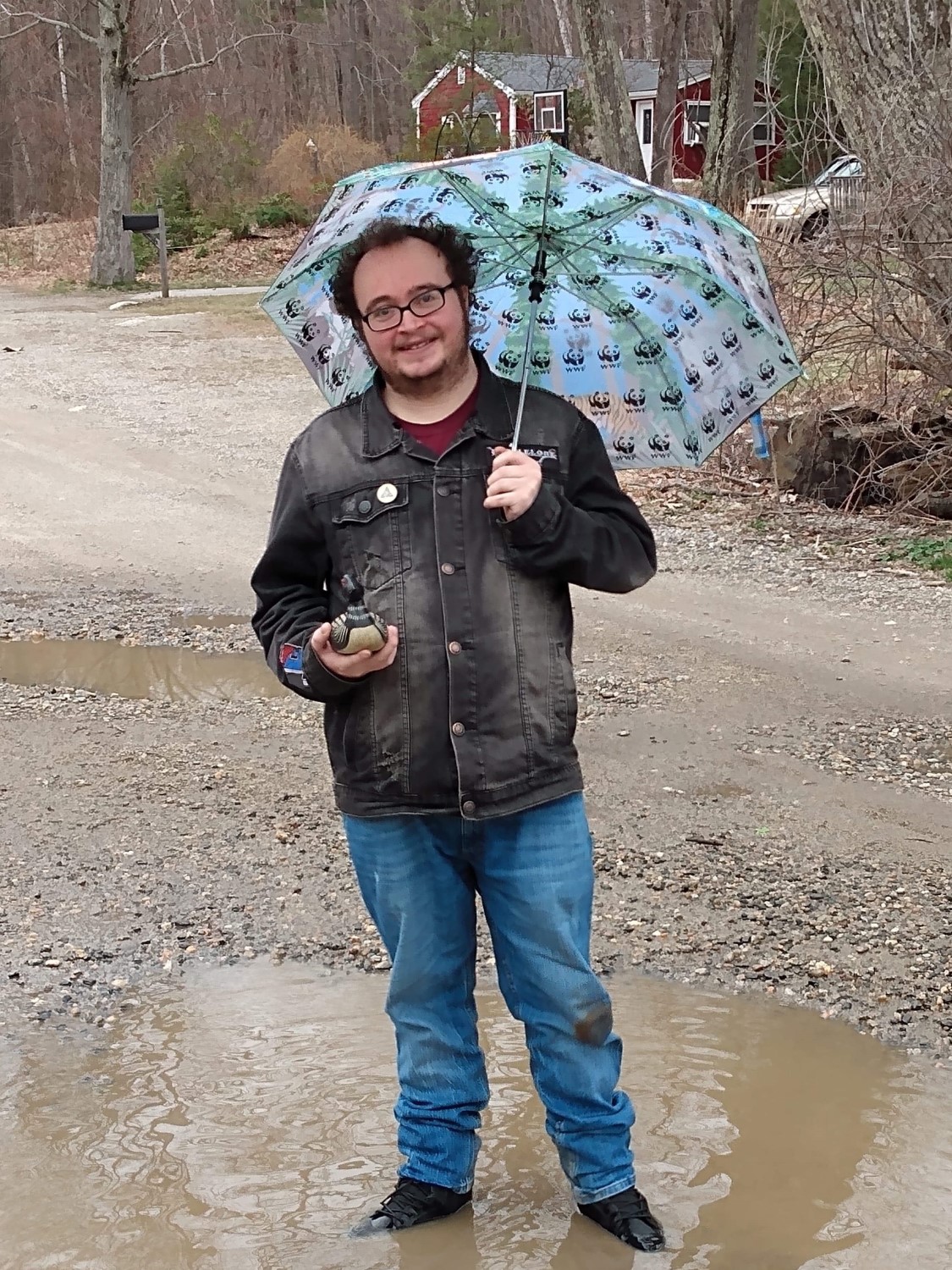
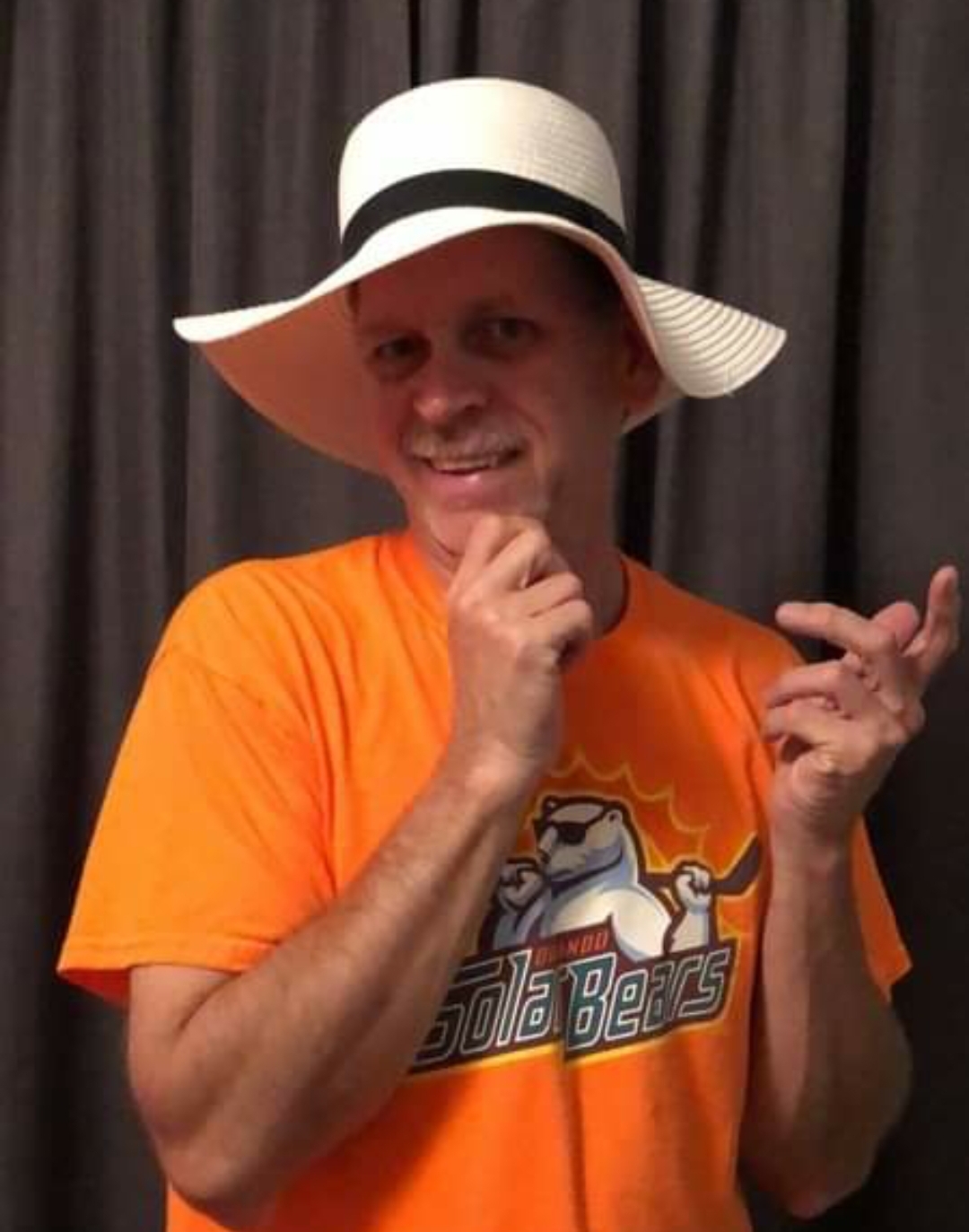
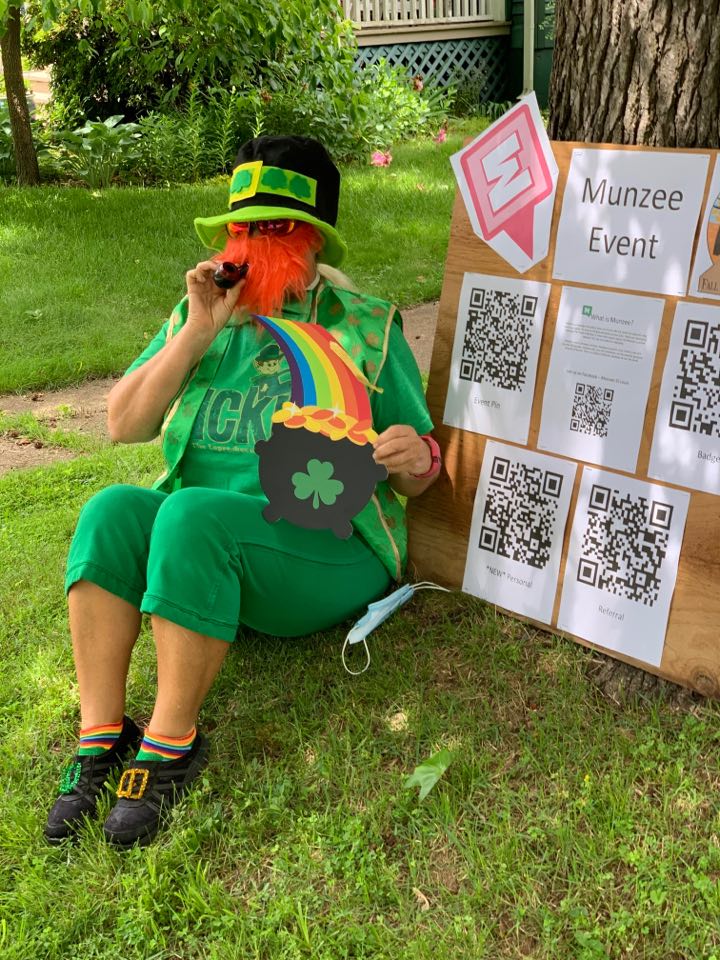
On Saturday we posted the entries we’ve received for Fall into Spring Best Dressed so far! As social media posts limit the amount of characters we can use, we wanted to take this opportunity to expand on a few points, and display the usernames of the featured players as well. As we receive more entries, we’ll update this post!

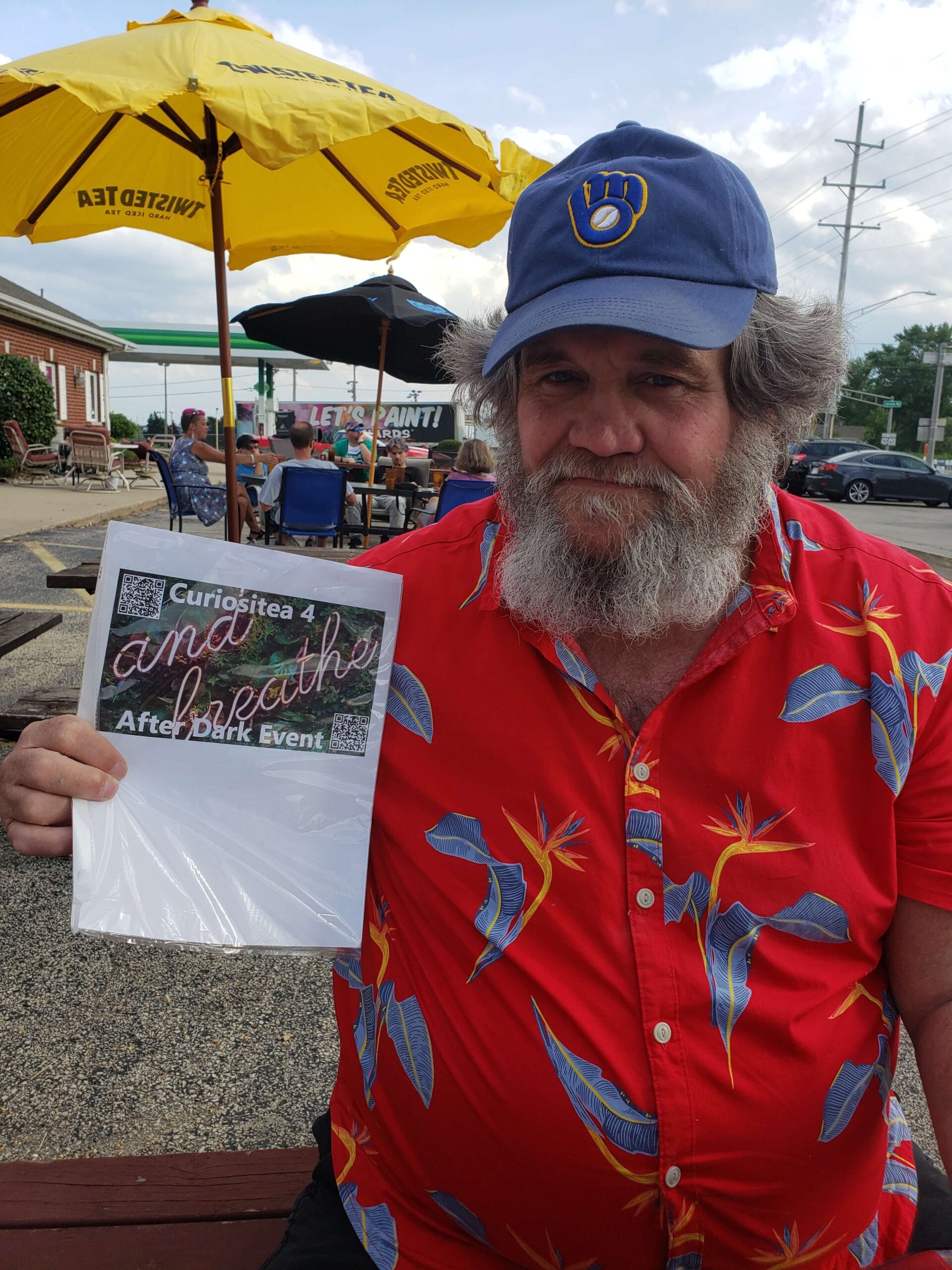
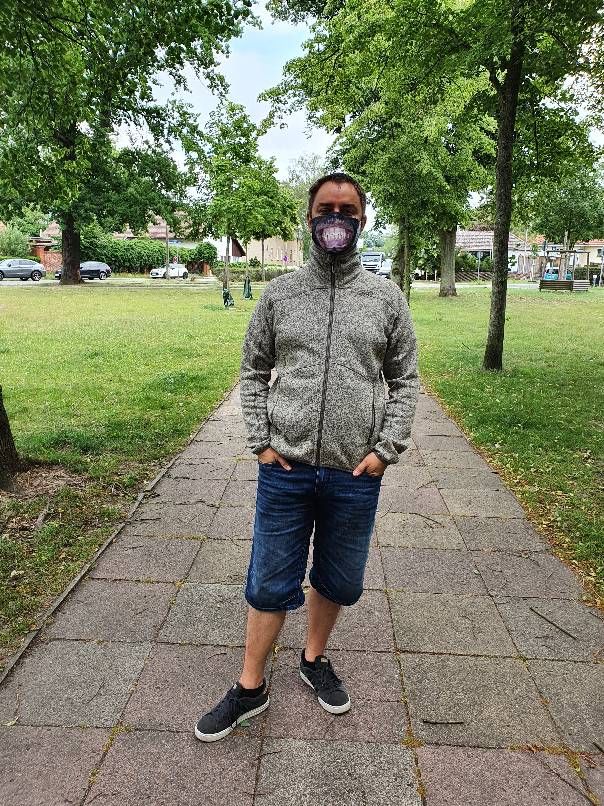
If you’ll be attending an event soon and need a refresher, our requirements for Fall into Spring Best Dressed nominations were released on the blog post HERE. As you can see, these players have met those requirements by dressing according to the season at their event, and there’s even a fun Leprechaun costume!

You’ll also notice that these photos were either taken at a distance, taken at a distance and zoomed in, or were self-taken (selfie!). This is a great example of how Munzee event hosts and attendees are being sensitive to and complying with current orders regarding COVID-19. Everybody’s situation is different, and while many hosts have (understandably) rescheduled their events, there have also been great new event ideas from hosts who’ve decided to stick to their event dates while altering the format of their events for safety purposes. We will be releasing a new Event Spotlight post this week featuring such an event, so stay tuned!

As a reminder, to thank our event hosts for working with us during these confusing times we put together a special badge just for them. The Untimely Unicorn badge was awarded to all Fall into Spring Hosts earlier in the month, which we announced on our social media accounts (Facebook | Twitter | Instagram). Thank you again to everyone for their patience!

Munzee On!

April 15, 2020

These 20/20 Vision Munzees Will Have You Jumping in Your Seat!

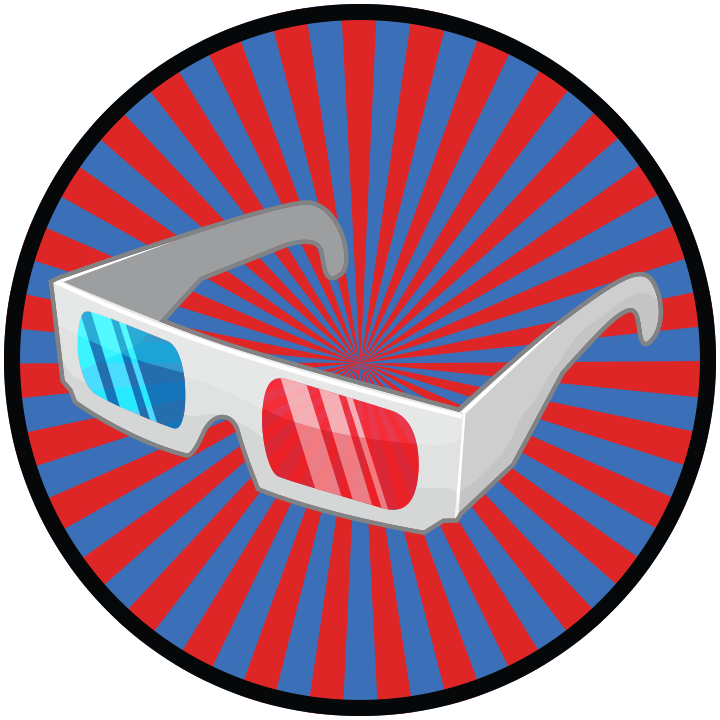
With our stay-at-home orders, there’s been a lot more time to catch up on movies we’ve missed, or rewatch old favorites. You may even have some fancy disks that are capable of showing a film in 3D! Our eighth 20/20 Vision Munzee is the perfect pairing to those DVDs or Blu-Rays! These cellophane clarifiers were deployed this afternoon at 15:00 MHQ. Don’t get too immersed into the movie — you might break something!

Only four pairs of 3D Glasses will be deployed, and they will bounce to all colors of virtuals every 12 hours or when captured. These will be attracted to Virtual Magnets though so be sure to stock up! 

Points:

  • Cap: 200 points
  • CapOn (Host): 100 points

Capturing the 3D Glasses will add this dynamic Flashy film badge to your collection! Remember, down the line we’ll be putting out an overall capture line, so don’t forget to check back for updates!


Similar to our Theater Goggles post, the American Film Institute has created a Movie Club to help you decide what to watch at home! While they are not offering free movie streaming, they do direct you to where you can watch the movies on services you might already be paying for, such as Netflix, Amazon Prime, and Disney+. What are your recommendations for movies to watch in 3D? The quick movements in action movies lend themselves to popping out of the screen, but we’d love to hear of movies from other genres that are enhanced by a 3D viewing as well!

You’ll be able to capture the 20/20 Vision specials on other players’ munzees as well as your own for the remainder of the year! As a reminder, all 20/20 Vision specials will leave the map on 12/31/2020 at 23:59 MHQ. More unique 20/20 Vision specials will launch throughout the year so keep on the lookout — you won’t want to miss out on these trendy lenses!

Show us how you Munzee! Tweet us @Munzee or be sure to post a photo and mention us on Facebook (@Munzee) or Instagram (@munzeeapp). Good luck, and Munzee on!

April 14, 2020

Changes to the In-App Scanner

Munzee is an app with many moving parts. From time to time, we evaluate those parts to see if they can be improved, or if costs can be reduced. The scanner solution that was used in the app to scan physical munzees up until today falls into the latter. Today, we’ve released an update to the Munzee app that now uses the QR Code scanning functionality that is native to your device.

Please note this will require updating your app in the Apple App or Google Play Stores. This is not an Over-The-Air (OTA) Update, it may take longer for the update to be available. If you don’t see it in the app stores yet, check back later!

If you run into any issues with this new scanner, please let us know at support@munzee.com. It would be helpful for us to know your device model (i.e. iPhone 7+, Samsung Galaxy Tab S) and OS (i.e. iOS 13.1.2, Android 7.1.1) as issues are often device- or OS-specific.

Additionally, this change also means that Version 3 of the app will no longer be able to scan physical munzees. With the release of 4.0 last year we wrote that we are no longer able to support updates to Version 3, but would permanently shut it down sometime in the future. For now, Version 3 will still remain live, but its days are numbered. If you haven’t already, please make the switch to the latest version of the app. There are a lot of improvements we’ve made that we think you’ll enjoy, including:

Munzee on!

April 7, 2020

Munzee Mistakes: How to Munzee from Home!

Last year, we started the Munzee Mistakes series of blog posts using tips from our very helpful and knowledgeable players! As we thought we had done a good job of covering the basics, we started going into more specific territory with the last Munzee Mistakes post. This post is somewhat a return to the origins of Munzee Mistakes, as we’ll be covering the basics of munzee-ing from home. While the core of Munzee gameplay is to visit many locations to either capture or deploy munzees, there is a lot you can do without setting foot outside! Here are some tips from both players and staff that we hope you’ll find useful, quarantine or not!

We posted a call for tips from our players last Saturday, and have compiled them in the list below. Consider these tips while playing to avoid the most common Munzee mistakes! For more, you can see what everyone posted on Facebook, Twitter, and Instagram! 

Tip #1: Maximize the munzees you can capture from your house!

Keep proximity requirements in mind, and deploy a variety — both physical AND virtual munzees. You need to be within a certain distance to capture a munzee, and munzees must be deployed a certain distance from other munzees to prevent crowding. Both distances vary by munzee type, but most munzees can be captured from within 300 ft. Some munzee types can be captured from a much further distance — if you don’t know which, read on as specific munzee types are recommended in later tips!

Tip #2: Virtuals are made for at-home Munzeeing!

Deploy a few near your home as well to attract bouncers (and to magnetize if you want to ensure bouncers will land), or if you are feeling social, you can trade deploys with other players! Ask friends or other members of your clan! If you don’t know anyone to ask, there are Facebook Groups made specifically for the purpose of trading virtual deploys with other players — those would be a great place to start!

Tip #3: Did you know you can deploy virtuals from the Munzee website?

This allows you to be very precise as you can enter in a latitude and longitude before deploying!

Tip #4: Deploy in a virtual garden, or create a virtual garden near you!

Don’t think that gardens have to be as large as the ones featured in our GOTM posts — small gardens are just as sweet! If you want a new garden near you but you’re not confident in creating a design, there may be another player who’ll be willing to create one for you — again, Facebook Groups are your friend! Though we heard that Dale of Space Coast Geo Store might create a cookie cutter garden for you if you ask nicely!

Tip #5: Deploy virtual munzees thoughtfully!

If gardens aren’t really your thing but you still want a way to deploy virtual munzees thoughtfully, consider high traffic locations such as airports and tourist attractions (i.e. Disneyland, Las Vegas, etc.). Another factor to consider is future events — check the Munzee Calendar and deploy a temporary virtual or a regular virtual depending on how soon the event is going to take place. Definitely check any notes the host has left to find out if the event will be rescheduled or canceled, so you don’t waste a deploy!

Tip #6: Places Munzees make especially great trades!

You can capture them within a 1,000 ft radius and you can capture them once a day!

Tip #7: Deploy Treehouses and greenies near your home!

Paired with a Physical Magnet, you’ll be able to attract all sorts of bouncers! Your mailbox can be a great spot for this, as it will still be accessible to other Munzee players (one of our rules for Physical Munzees), but will be close enough for you to get to it first most of the time! If you don’t have a mailbox, just look for the nearest street sign! If you are on good terms with your neighbors, you can also ask them for permission to stick a munzee on their mailbox / other parts of their property that are prime sticker locations.

Tip #8: Be consistent in your Munzee play!

If you are an active player, you may notice more bouncers coming your way, without even using a magnet!

Tip #9: Swap certain virtual and physical munzee types for points!

If you need deploy points for Clan Wars, this is a great way to meet that quota without having to scout around for new locations. This swapping is currently only a feature on the Munzee Website, so it’s definitely stay-at-home friendly!

Tip #10: Join the Global QRantine Event!

Munzees deployed by the event account have been “upgraded” so that they can be captured from anywhere in the world — but they function exactly the same way as other munzees of the same types! Here’s one you can capture right now!

Do you have any tips to share? E-mail us at iloveyou@munzee.com! You can also check out our past blogs about 25 master tips, 20 capping tips, 20 deploy tips, and 10 tips for new players. For more tips, be sure to check the blog daily for updates! 

A big thanks to all who shared tips, and if you’re a new player, welcome to the Munzee family! As you can see, this is an interactive community in which players help each other master the art of Munzee. We’ve also been updating the Munzee Help Manual, which will feature all of these tips and tricks as well as a comprehensive breakdown of many aspects of gameplay.

Munzee on!

April 6, 2020

Prank Badges Are Here!

On Wednesday, we announced the debut of Sir Prize Wheel and teased that a new related badge line would be released later in the week. The wait is over! This retroactive line of Prank Badges launches today at 12:00 MHQ time!

We wanted to try something new this time and award badges not only for Captures and Deploys of munzees, but for CapOns as well! So this new line of six Prank badges will be based on overall points instead!

Overall activity on both Surprise Munzees and Sir Prize Wheel Munzees will count toward the first four badges, but the last two badges will only count Sir Prize Wheel points! As these badges are retroactive, you may have already met the requirements for some of them, and should see them on your account soon! If not, please wait a few days as our system catches up with awarding these new badges to everyone who has earned them, before contacting support.

We won’t spoil all of the Pranks, but you can check out the first badge in the line below:

Whoopee Cushion- Earn 1000 combined points from Surprise or Sir Prize Wheel Munzees.

For help earning these badges, always check your local areas, because you never know when a new munzee will be deployed around you. Deploy Surprise and Sir Prize Wheel Munzees around the world, especially for the CapOn rewards! You can shop both in the Freeze Tag Online Store HERE!

We hope you enjoy these new badges!

Happy hunting, and Munzee on!

April 2, 2020

Keep Up with Munzee News AND Specials Inside the App!

We love how active our player community is, especially on social media, which definitely helps to grow the game! This blog, our social media accounts, and in-app messages, are just some of the many ways we communicate updates to our players.

We’re now making it easier than ever to keep up with all of the latest Munzee news right in the app. With this latest update, we hope to bridge the gap between this living app and you!

NEW What’s New? Section

This new section of the app can be found by tapping the Hamburger Menu icon at the top left corner of most of the app’s screens, then by tapping on [What’s New?] between the [Store] and [Notifications] buttons.

What's New

Similar to the Filters section, there are 3 tabs at the top that allow you to switch between the following subsections:

  • News – shows the most recent blog posts in button form, with the newest at the top of the list. Tapping on any of the buttons will open that blog post in your device’s default browser.
  • Featured – shows all active Munzee Owned Bouncers (MOBs) AND temporary Player Owned Bouncers (tPOBs) in button form, with the soonest to leave the map at the top of the list. Tapping on any of the buttons will open a window in your device’s default browser showing all the relevant blog posts.
  • Schedule – shows all active scheduled munzees (Flat Friends, QRewzees, and RetireMyths) in button form, with the soonest to leave the map at the top of the list. Tapping on any of the buttons will open the current schedule for that munzee in your device’s default browser.

When there’s new information released you’ll also see a red icon next to “What’s New?” to let you know there’s been some breaking news! We’re still putting out in-app messages, emails, social posts and more, but this section is meant so players can easily access a collective area for all their Munzee news.

Button Migration

To make room for the [What’s New?] button, we moved the old [Offline Mode] button into the [Tools] section, and renamed it [Offline Queue].

We hope you find this NEW app section useful, whether you’re at home reading the latest blog post or out in the wild hunting the current active MOBs!

Munzee on!

April 1, 2020

We’re Not Making Googly Eyes at You — It’s Just these 20/20 Vision Munzees!

It’s hard to stay sane when you’re cooped up inside all day! We think the best way to fend off a bout of the QRaZEEs is by staying positive and active. If you are allowed to roam about your neighborhood for some fresh air, you might find a rare surprise waiting for you! Our seventh 20/20 Vision Munzee is guaranteed to elicit some giggles from those who dare to look upon your face! These springy accessories were deployed this afternoon at 15:00 MHQ. Now you’ll really be able to keep an eye on things!

Only four pairs of Joke Glasses will be deployed, and they will bounce to Greenies every 12 hours or when captured. These will be attracted to Physical Magnets though so be sure to stock up! 

Points:

  • Cap: 200 points
  • CapOn (Host): 100 points

Capturing the Joke Glasses will add this comical Silly Sight badge to your collection! Remember, down the line we’ll be putting out an overall capture line, so don’t forget to check back for updates!

The myriad personality types out there mean there are as many different senses of humor. In recent years, the Dad joke has risen in popularity, but there are still many out there who prefer a more subtle humor. Regardless, it’s hard not to laugh at someone wearing a quality pair of Joke Glasses. We think the beauty lies in the realistic eyeball popping out of the wearer’s face, only to be dragged back up and then back down again due to the attached spring. It’s just so over-the-top that laughing is a gut reaction!

You’ll be able to capture the 20/20 Vision specials on other players’ munzees as well as your own for the remainder of the year! As a reminder, all 20/20 Vision specials will leave the map on 12/31/2020 at 23:59 MHQ. More unique 20/20 Vision specials will launch throughout the year so keep on the lookout — you won’t want to miss out on these bouncy bifocals!

Show us how you Munzee! Tweet us @Munzee or be sure to post a photo and mention us on Facebook (@Munzee) or Instagram (@munzeeapp). Good luck, and Munzee on!