
🆕 Update: Renovations and Swaps Expanded! 🛎️🔄
We’ve got two exciting updates dropping today that’ll give you even more control over your Munzee strategy. First up, Destination Renovations are getting an upgrade—literally! Motels, Hotels, and Virtual Resorts can now earn three more stars each, so you can boost your map’s earning power like never before.
But that’s not all—Swaps just got a whole lot more flexible! Not only have we expanded the list of physical types you can Swap within, but now you can even Swap any physical Munzee back to a Greenie to help with tricky radius conversions.
Whether you’re perfecting your Destination setup or optimizing your physical deploys, these updates are designed to give you more options, more flexibility, and more fun! Read on for all the details, and don’t forget to check out the original Destination Renovations and Swap blogs for a refresher. To access these latest features, you’ll need to make sure you’re on the latest version of Munzee from the App Stores (4.1.234 on both iOS and Android), then restart the app to pull down the latest over-the-air update version #1180.
NOTE: The Swap feature is currently only available on the Munzee Website.
Add More Stars to Destinations!
Previously, certain Destinations could only be Renovated up to a certain number of stars. Now, the limits have been raised as follows:
- Motels: can now be upgraded to 6 stars!
- Hotels: can now be upgraded to 7 stars!
- Resorts: can now be upgraded to 8 stars!


More Physical Types to Swap!
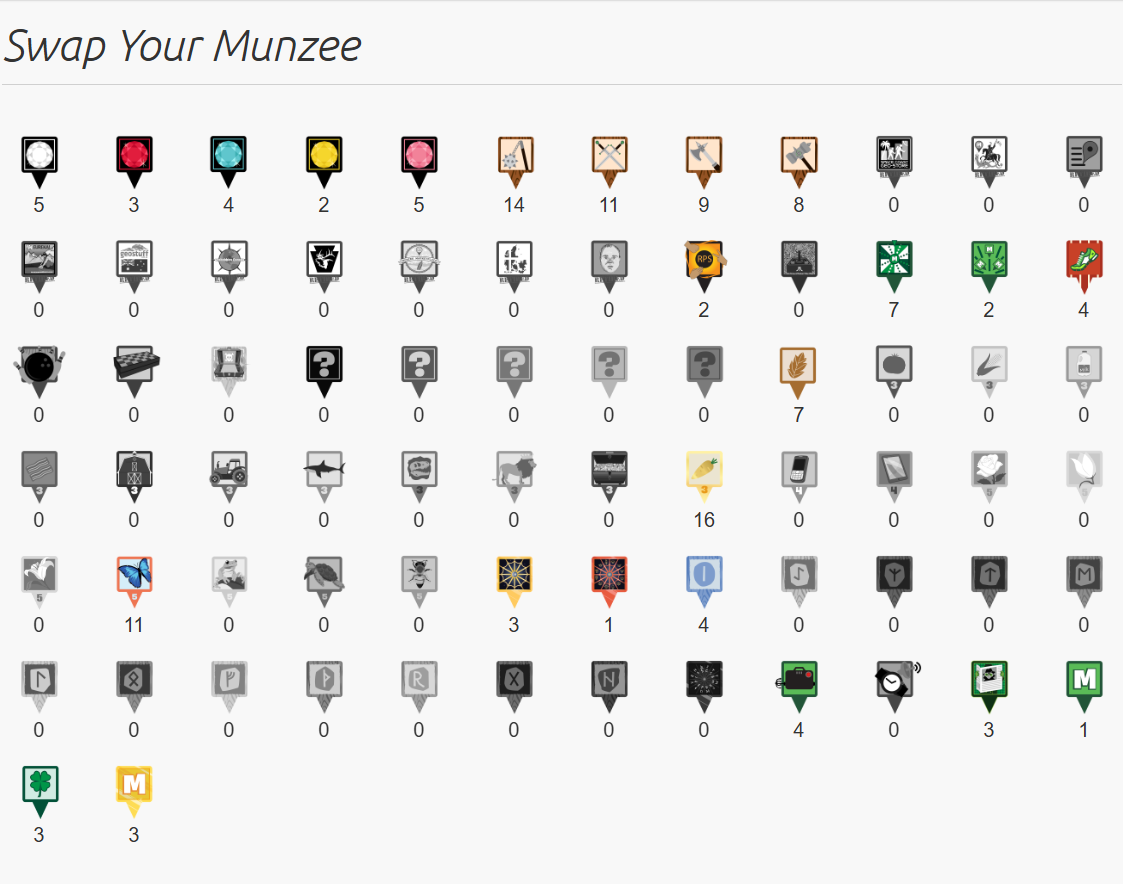
Previously, the Physical Swappable types were limited to a select few. While the rules for Hotels and Motels remain the same, we’ve added many more types to the “Within List” category — so now, it looks like this:
- Like for Like:
- Within List:
- NEW! Greenies (more info below ⬇️)
- Clan Weapons
- Jewels
- Zeecret Weapons
- Zodiacs (updated to include the Physical Norse Zodiacs)
- Premium
- Gaming (previously only RPS + Scatter)
- NEW! Mysteries (includes Blue Mystery)
- NEW! RUMs
- NEW! Evolutions
- NEW! Shamrocks
- NEW! Seasonals
Why Swap to a Greenie?
Some Physical Munzee types are not directly swappable due to varying radius requirements. So, if you would like to change your munzee to one of these types, please do the following:
- Make sure your munzee, if converted to your desired type, has enough space around it to meet that type’s radius requirements. You can use tools like the [Deploy / Plan] tab of the Munzee Website Map to check.
- Swap your munzee to a Greenie.
- Go through the Convert process as usual.

Munzee on!