✨🧲 New Magnet Bonuses, Badge Updates, & More!🎯🎉
Hot on the heels of last week’s Quick Deploy quality-of-life update, we’re back with another round of improvements to power up your gameplay! This time we’re boosting Magnets, rolling out a long-awaited Badge section overhaul, enhancing the map’s Follow Mode, and unlocking the full archive of Secret ZeeOps for agents old and new. To access these latest features, you’ll need to make sure you’re on the latest version of Munzee from the App Stores (4.1.246 on both iOS and 4.1.247 Android), then restart the app to pull down the latest over-the-air update version #1219.
Whether you love chasing bouncers, organizing your achievements, navigating on the go, or diving into covert operations, there’s something in this update for you. Read on to learn all about what’s new!
🧲 NEW Magnet Bonuses!
From now on, every time you capture a bouncer that was attracted by a magnet, you’ll score an extra +50 points! That’s right—whether it’s your magnet or someone else’s, you’ll still snag the same sweet bonus. So go ahead and help your friends (and yourself!) reel in boosted captures all around the map.
Ready to start pulling in those boosted captures? You can stock up on Magnets anytime in the In-App Store, or grab a bundle from our Online Store HERE!


NOTE: If you use a magnet on a partially filled bouncer destination, only the newly arriving bouncers that are attracted by the magnet will receive this boost—not the bouncers that were already inside at the time of magnetization. This means you can earn more points by using magnets on empty bouncer destinations!
🏅 Badge Reorganization Updates
Next up is a long-requested quality-of-life improvement that many of you have been asking for — the Badges section has been reorganized so it’s faster, clearer, and a lot more fun to browse!
- Expandable badge categories: Instead of loading your entire badge history all at once, the Badges section is now split into expandable categories. This means no more waiting forever for giant lists to load—just tap open the sections you care about.
- Recently earned badges at the top: You’ll now see a quick overview of your most recently earned badges right at the top of the screen, so you can easily admire your latest accomplishments.
- Per-category sneak peek: Each category shows the 2 most recently earned badges in that group, plus the next 2 badges in the list that you haven’t earned yet—helping you see exactly what you’re close to achieving.
- Powerful badge search: Looking for something specific? You can now search badges by title, description, requirement, and more, making it easier than ever to track down goals.
- NOTE: The Specials tab now has the ability to search also!
Whether you’re a completionist or just chasing your next milestone, this new layout should make badge hunting smoother and far more satisfying.


📍 Follow Mode & Turn Follow Enhancements
We’re also giving some love to an advanced feature that many players may not have discovered yet: Follow Mode on the map! This handy tool keeps your blue location dot locked to the center of the screen and automatically moves the map as you move in the real world.
How to use Follow Mode:
- On the map, tap and hold the crosshair button for 5+ seconds until your device vibrates and the crosshair turns red.
- Your blue location dot will now stay centered, and the map will move and update as you walk or drive.
- To disable Follow Mode, simply tap and hold the crosshair again until the device vibrates and the icon returns to its original color.
We’ve now added an extra option on top of this called Turn Follow Mode, which also rotates the map to match the direction you’re facing in the real world—perfect for on-the-go navigation!
How to use Turn Follow Mode:
- First, activate Follow Mode as described above so the crosshair is red.
- Then, tap the red crosshair once to turn it into a blue navigation arrow. The map will now rotate as you turn, keeping your direction aligned.
- To switch back to standard Follow Mode, tap the blue arrow again to return it to the red crosshair.
- To fully disable Follow Mode, tap and hold until your device vibrates and the icon returns to its original color.
Whether you prefer a fixed map or one that rotates with you, these options give you more control over how you explore the Munzee world.


🕵️♀️ Secret ZeeOps: Archives Unlocked!
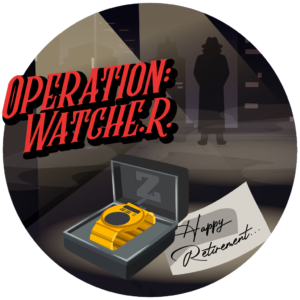
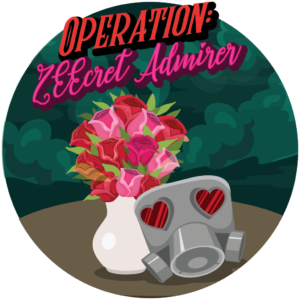
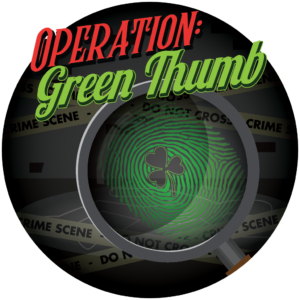
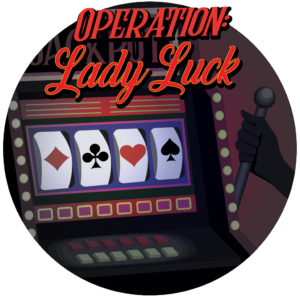
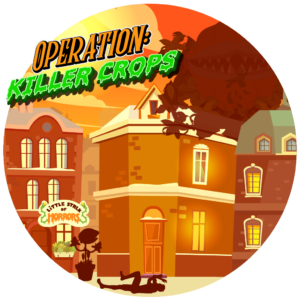
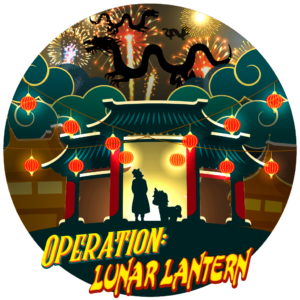
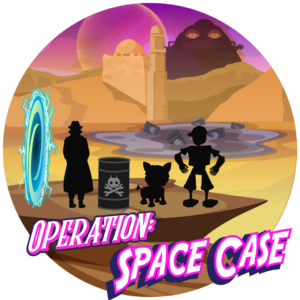
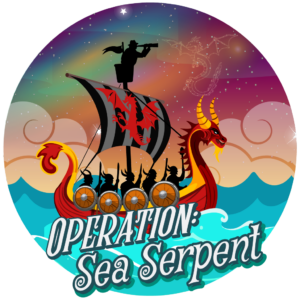
Last but not least, we’ve made an exciting change for all you agents out there: ALL past Secret ZeeOps are now available for purchase!
Already finished your current operation and itching for more? Now you can browse the full archive of past Secret ZeeOps and pick up another mission whenever you’re ready. Revisit an old favorite you missed the first time, or challenge yourself with an operation you’ve never tried before—your next classified assignment is just a tap away.




These updates are just the latest step in our ongoing mission to make Munzee smoother, smarter, and more fun to play—whether you’re badge hunting, navigating the map, or diving deep into Secret ZeeOps.
We’ve got even more quality-of-life improvements and exciting new features just around the corner, so keep an eye on the app (and the blog!) for what’s coming next.
Munzee On!