
👻🐱 Boo or Moo?! Flat Cats Haunt Halloween! 🎃🍬
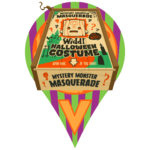
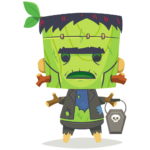
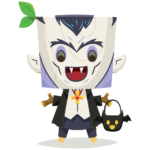
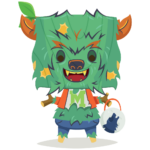
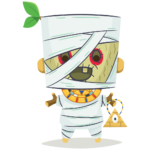
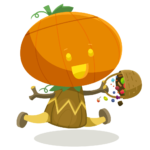
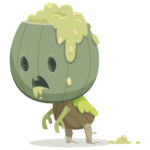
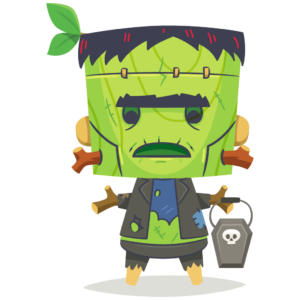
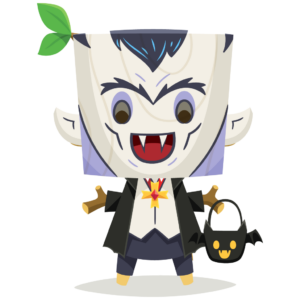
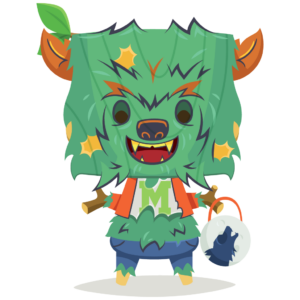
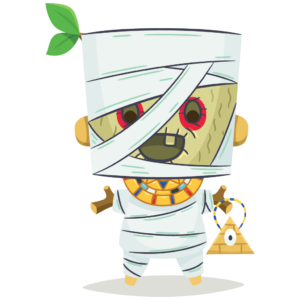
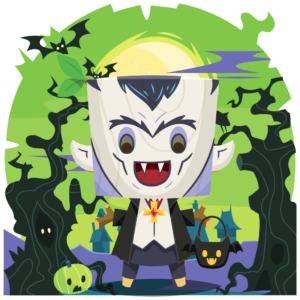
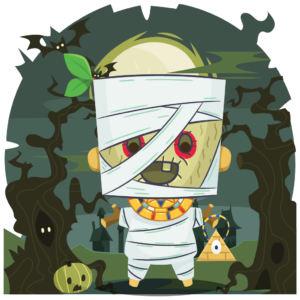
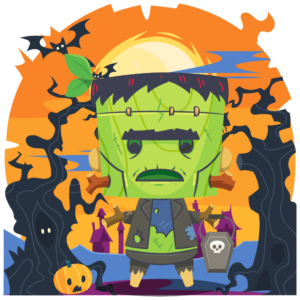
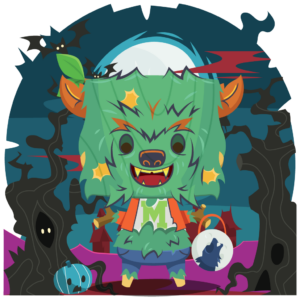
Halloween is almost here, and things are getting a little purr-anormal in the Munzee universe! Last week, we invited you to join the Widdl Mystery Monster Masquerade and uncover four mysterious costumed Widdlz. Have you unmasked all four of these spooky widdl characters yet? Looks like the Widdlz aren’t the only ones getting into the Halloween spirit!
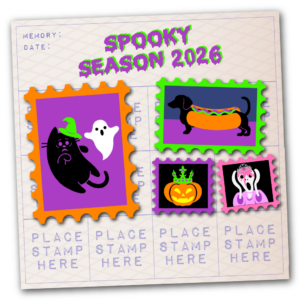
MOOOOoooo! BOOOOOoooo! What’s that strange sound coming from under the bedsheets?! Is it a cow? A ghost?! Nope, it’s just our favorite feline troublemakers, Benji and Burr! These perpetually hungry kitties have transformed into a pair of not-so-spooky little ghosts and floated off on a trick-or-treating adventure of their own. Although, knowing these two, we’re pretty sure they’re responsible for most of the tricks AND all of the missing treats!
Get ready for a NEW Flat Cat Scatter Event as our ghostly duo haunts the map in search of snacks! Follow their trail of scattered goodies to earn the adorable Moo or Treat! badge. And that’s not all! Don’t forget to check out returning favorites in our Halloween Collection, plus ALL Flats are joining the Buy 3, Get 1 FREE Sale that kicked off last week! Read on for all the details!

Shop Flat Cats!
Limited Time Scatter Details
From the period of Monday, October 26th at 12:00 MHQ through Sunday, November 1st at 23:59 MHQ, when you capture Flat Cats, up to 3 different Cat Toys may be scattered nearby!
-

- Yummy Yarn
-

- Mister Mouse
-

- Floppy Fish
-

- Bread n Butter
As with other Flat Scatters, the Cat Toys will be visible to any player and will be deployed on the Flat owner’s account. This means that unlike Feathers / Boulders, there are CapOn points for the owner! They expire after 120 minutes, have a capture radius of 300 feet, and you’ll be able to use Rover Treats to capture them as well! These cat toy scatters will NOT count for deploy streaks, ZeeOps, or clan activity since they are passive deploys.
The rewards for Cat Toys are as follows:
- Capture: 50 points
- CapOn: 25 points
For more information about Flat Cats, check out our Help Guide article!
Badges
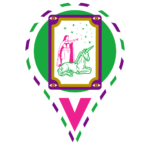
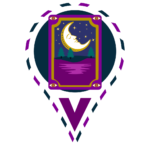
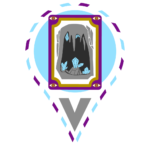
We’ve created 1 new badge for this special period! In addition, if you missed out on the badges from the original launch event, you’ll be able to earn them as well. You can see what these badges look like below. Make sure you cap as many Flat Cats as you can to receive all the badges!
-

- Knitty Kitties- Capture one of each toy scattered from Flat Cats.
-

- Benji Burr Box- Capture at least 13 toys scattered from Flat Cats.
-
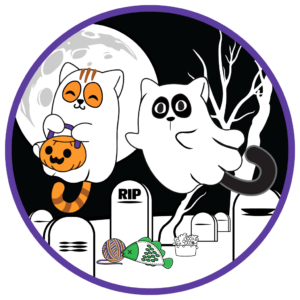
- Moo or Treat!- Capture 2 of each cat toy scattered from Flat Cats during the National Cat Day event in 2026.
All Flats Join the Buy 3, Get 1 FREE Sale 🏷️
The Halloween savings just got even sweeter! Benji and Burr aren’t the only ones getting in on the trick-or-treating fun! The entire Flat fam has officially joined the Buy 3, Get 1 FREE Halloween Sale that kicked off last week! Now’s the perfect time to stock up on your favorite Flats and spread a little extra Halloween mischief across the map!
-

- Flat Rob
-

- Flat Lou
-

- Flat Matt
-

- Flat Hammock
-
- Flat Cats
-

- Flat DHS
-
- Flat Disc Golf Basket
-

- Flat Flashlight
-

- Flat Murray
-

- Flat Cup
-

- Flat Aussie
-

- Flat Fountain Pen
Want to make the most of the discount? Be sure to add similarly priced items to your cart for the best value!
Shop the Buy 3, Get 1 FREE Collection!
*Please note that the sale will discount the lowest-priced 4th item for free (all 4 items must be from the collection). So if you buy 3 Flats and 1 Magnet (5 pack), it will discount a Flat. If you buy 8 items, it should discount the 2 lowest priced items for free, etc.You must add at least 4 Flat Cats to your cart in the Freeze Tag Store to use the discount with no limit in place (8 = 2 free, etc.). There is NO CODE required — the discount should apply automatically! Confirm that you see the discount apply BEFORE you complete your purchase — otherwise, you’ll need to e-mail support@munzee.com as we’ll need to manually issue a partial refund later!
Need more Flat Cats near you? Try trading deploys with other players! Post in our Discord forum to find fellow players ready to swap!

Join Discord Chat!
⚡ BONUS: Flat Cat Scatters On Quick Deploy!
The spooky surprises don’t stop at captures! For the duration of this event, fresh Flat Cat deploys will also have a chance to generate bonus Flat Cat scatters! That means even more goodies to chase while working toward your Moo or Treat! badge!
📍 Important Placement Tip: Bonus scatters will appear near the location where you FIRST open the Quick Deploy menu, even if you move the pin to deploy your Flat Cat somewhere else! Want the scatters near you? Open Quick Deploy at your current location before moving the pin to your desired deployment spot.
Need a refresher? Check out our original Scatter On Deploy walkthrough for more details!
We hope your Halloween is filled with plenty of tricks, treats, and a little feline mischief! And if you hear a mysterious MOOOOoooo in the night, don’t be scared… it’s probably just two hungry kitties looking for their next snack!
Munzee on!